


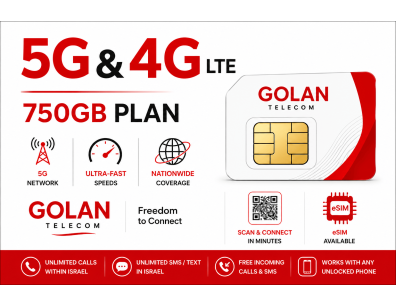

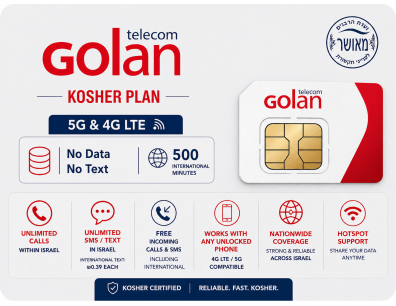
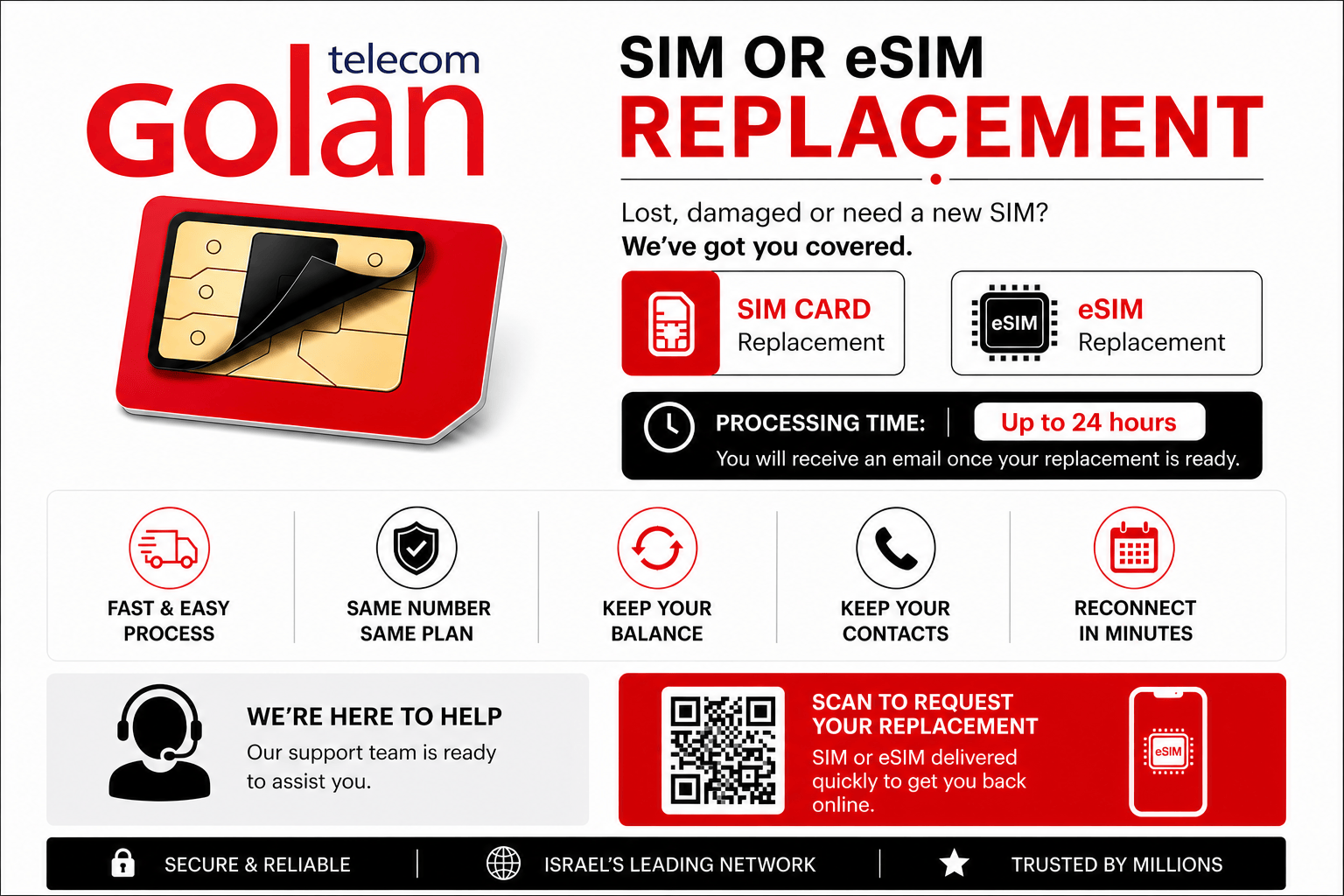
Golan Telecom SIM Card Information
Everything you need to know to start using your Golan Telecom SIM in Israel.
Activation Information
Your SIM card will be activated on the date selected during checkout.
When you arrive in Israel, simply insert the SIM card into any unlocked phone and you’re ready to go.
Manage Your Account
To make service changes to your line, login to your Golan Telecom online control panel.
You can:
- Block / Add Services
- Change Payment Method
- Change Phone Numbers
- Manage Account Settings
Unlimited Plan Limitations
The unlimited plan does NOT include:
- International SMS
- Calls to 144 information
- Calls to numbers beginning with 1344, 1919, 1900, 1901
Voice Mail
Check Voice Mail
Dial *151 from your phone or hold down the 1 key.
Check From Another Phone
Dial: 151-58-XXX-XXXX
Change Greeting / Language
Login to your Golan control panel to change your system language from Hebrew.
Dialing Instructions
International Calling
Use 00 or + before country code.
Example USA: 00-1-555-555-5555
International Texting
Use + then country code.
Example: +1-555-555-5555
Local Israeli Calls
Always include the leading 0.
Examples:
02-XXX-XXXX
052-XXX-XXXX
Phone Requirements
Your phone must be:
- Unlocked
- Compatible with 4G or 5G ONLY:
Internet / Network Settings
Important: Golan Telecom uses the Cellcom network, therefore Data Roaming must be enabled to access mobile data.
iPhone Users
Go to:
Settings → General → Reset → Reset Network Settings
Android Users
If data does not work automatically, manually configure APN settings in:
Settings → Mobile Networks → Access Point Names
Israel Country Code
Israel’s country code is 972.
To call an Israeli mobile from abroad, remove the leading 0.
Example: 011-972-58-555-5555
To call an Israeli mobile from abroad, remove the leading 0.
Example: 011-972-58-555-5555
Customer Support
From Golan SIM
Dial *0058
From Other Phones
Dial +972-58-555-5858
Support Hours
Sunday–Thursday: 8:00 AM – 9:00 PM
Friday / Holiday Eve: 8:00 AM – 1:00 PM
For general assistance contact us at:
info@golanisraelsim.com
info@golanisraelsim.com